Javascript/Typescript/React
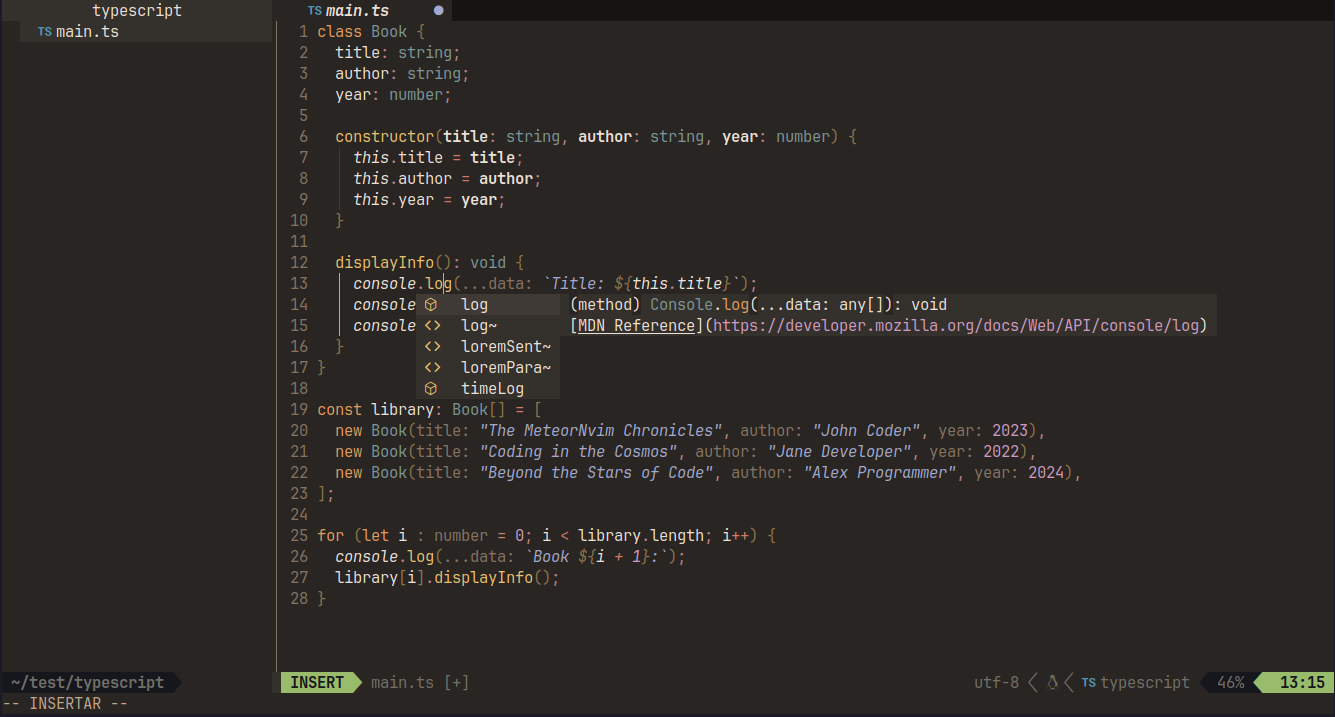
Language Server
:LspInstall vtsls
Formatter
:MasonInstall prettier
If mason is not supported on your platform
Setup LSP
go to: ~/.config/nvim/lua/userconfig/lsp.lua
and add these lines
lsp.lua
vim.lsp.config('vtsls', {
  cmd = { "vtsls", "--stdio" },
  filetypes = { "javascript", "javascriptreact", "javascript.jsx", "typescript", "typescriptreact", "typescript.tsx" },
  init_options = {
    hostInfo = "neovim"
  },
  settings = {
    javascript = {
      inlayHints = {
        enumMemberValues = { enabled = true },
        functionLikeReturnTypes = { enabled = true },
        parameterNames = { enabled = "literals" }, -- "none" | "literals" | "all"
        parameterTypes = { enabled = true },
        propertyDeclarationTypes = { enabled = true },
        variableTypes = { enabled = true },
      },
    },
    typescript = {
      inlayHints = {
        enumMemberValues = { enabled = true },
        functionLikeReturnTypes = { enabled = true },
        parameterNames = { enabled = "literals" }, -- "none" | "literals" | "all"
        parameterTypes = { enabled = true },
        propertyDeclarationTypes = { enabled = true },
        variableTypes = { enabled = true },
      },
    },
  },
  single_file_support = true,
  root_dir = root_dir = function(bufnr, on_dir)
    local fname = vim.api.nvim_buf_get_name(bufnr)
    on_dir(util.root_pattern("package.json", "tsconfig.json", "jsconfig.json", ".git")(fname))
  end,
  on_attach = on_attach
})
Formatter
If lsp does not provide a formatter, you can use the following command: :Neoformat click here (opens in a new tab) for more information